

Jump to content

1 Screenshot

About This File

I made some revisions to my previous Mets theme. Mainly I just rearranged, and added more photos. So now instead of 5 screens theres 14 altogether. Screens edited include the game modes, manage rosters, network games, and the mini-game(pitching) screens. Just import the mainart.fsh to your feonly.big, and import the 13 remaining .fsh files into the bkgnds.big. Remember to always back up your files before making any changes. Enjoy!

User Feedback

Join the conversation

You can post now and register later. If you have an account, sign in now to post with your account.
Note: Your post will require moderator approval before it will be visible.

Guest
  • Download Statistics

    • Files
      10540
    • Comments
      14145
    • Reviews
      14439

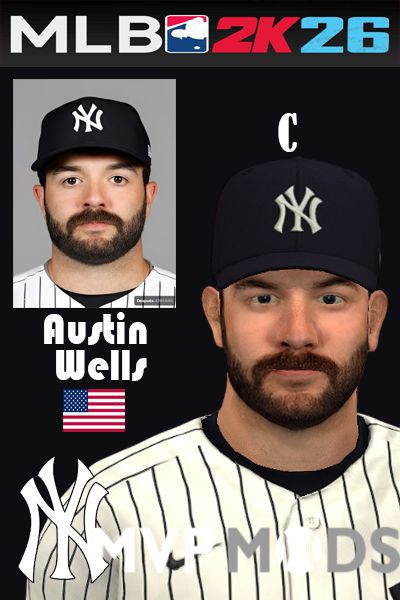
    More information about "Austin Well"
    Latest File
    By wil19982

    10    0

×
×
  • Create New...